EasyUI 是一套 JS 前端框架,可以基于它快速开发美观的 Web 前端系统,它建立在 jQuery 框架之上。 现在越来越多企业使用它开发 Web 系统。
extjs(功能十分强大,但非常复杂,个人感觉运行速度不如 EasyUI) easyui(相对 Ext 来说,比较适合初学者,体量小巧,速度表现尚可)
ASP.NET MVC
Sqlite 数据库 (一款小型数据库,无需安装,很多单机软件使用它存储数据)
工具:动软代码生成器,IDE (VS2010) 物理环境:win7 64 位
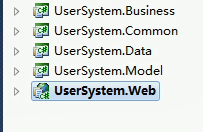
逻辑架构:三层架构 data、business、UI
然后到官网下载easyui的包下来
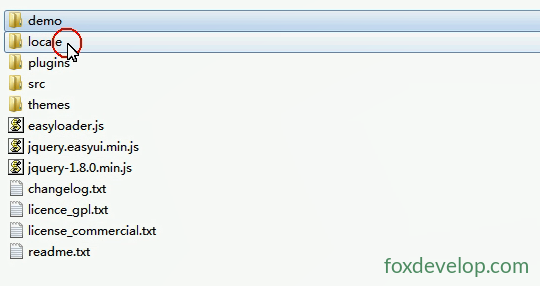
再把对应的需要用的js 等文件 放入到asp.net mvc 项目中
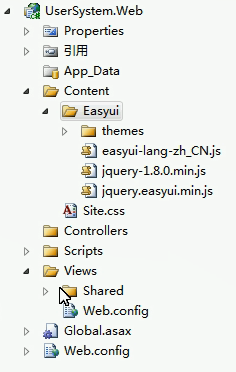
然后创建控制器和对应的视图
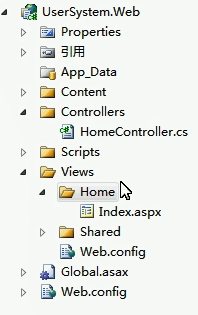
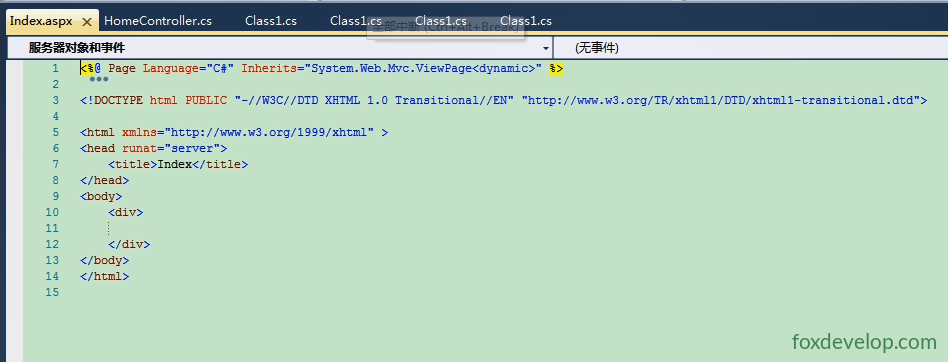
由于本课程编写的时候,asp.net mvc 版本还比较旧,所以我们使用的视图 还是aspx后缀的
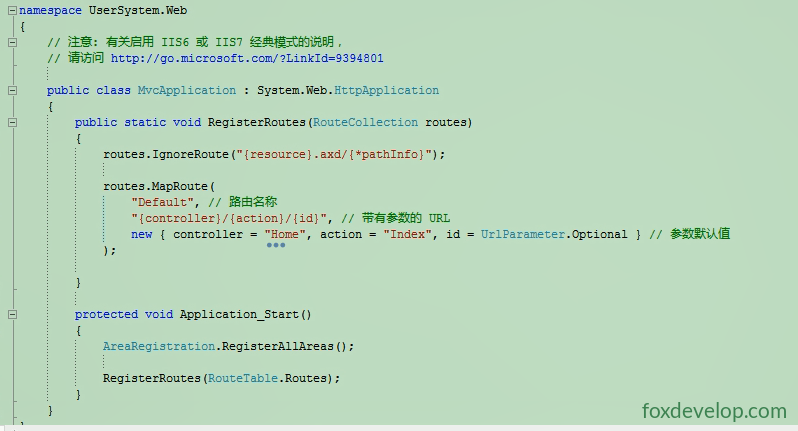
Global中配置路由
namespace UserSystem.Web
{
    // 注意: 有关启用 IIS6 或 IIS7 经典模式的说明,
    // 请访问 http://go.microsoft.com/?LinkId=9394801

    public class MvcApplication : System.Web.HttpApplication
    {
        public static void RegisterRoutes(RouteCollection routes)
        {
            routes.IgnoreRoute("{resource}.axd/{*pathInfo}");

            routes.MapRoute(
                "Default",                                              // 路由名称
                "{controller}/{action}/{id}",                          // 带有参数的 URL
                new { controller = "Home", action = "Index", id = UrlParameter.Optional }  // 参数默认值
            );
        }

        protected void Application_Start()
        {
            AreaRegistration.RegisterAllAreas();
            RegisterRoutes(RouteTable.Routes);
        }
    }
}
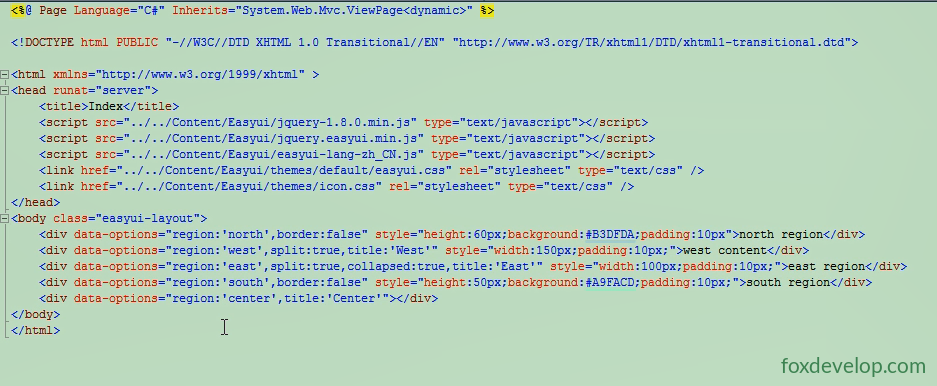
修改视图中的html,如上图,引入easyui的js和jquery的js 和css等
如果你需要国际化,显示不同的语言,需要easyui中好到您对应国家的语言。
<%@ Page Language="C#" Inherits="System.Web.Mvc.ViewPage<dynamic>" %>

<!DOCTYPE html PUBLIC "-//W3C//DTD XHTML 1.0 Transitional//EN" "http://www.w3.org/TR/xhtml1/DTD/xhtml1-transitional.dtd">

<html xmlns="http://www.w3.org/1999/xhtml" >
<head runat="server">
    <title>Index</title>
    <script src="../../Content/Easyui/jquery-1.8.0.min.js" type="text/javascript"></script>
    <script src="../../Content/Easyui/jquery.easyui.min.js" type="text/javascript"></script>
    <script src="../../Content/Easyui/easyui-lang-zh_CN.js" type="text/javascript"></script>
    <link href="../../Content/Easyui/themes/default/easyui.css" rel="stylesheet" type="text/css" />
    <link href="../../Content/Easyui/themes/icon.css" rel="stylesheet" type="text/css" />
</head>
<body class="easyui-layout">
    <div data-options="region:'north',border:false" style="height:60px;background:#B3DFDA;padding:10px">north region</div>
    <div data-options="region:'west',split:true,title:'West'" style="width:150px;padding:10px;">west content</div>
    <div data-options="region:'east',split:true,collapsed:true,title:'East'" style="width:100px;padding:10px;">east region</div>
    <div data-options="region:'south',border:false" style="height:50px;background:#A9FACD;padding:10px;">south region</div>
    <div data-options="region:'center',title:'Center'"></div>
</body>
</html>
Code language: HTML, XML (xml)
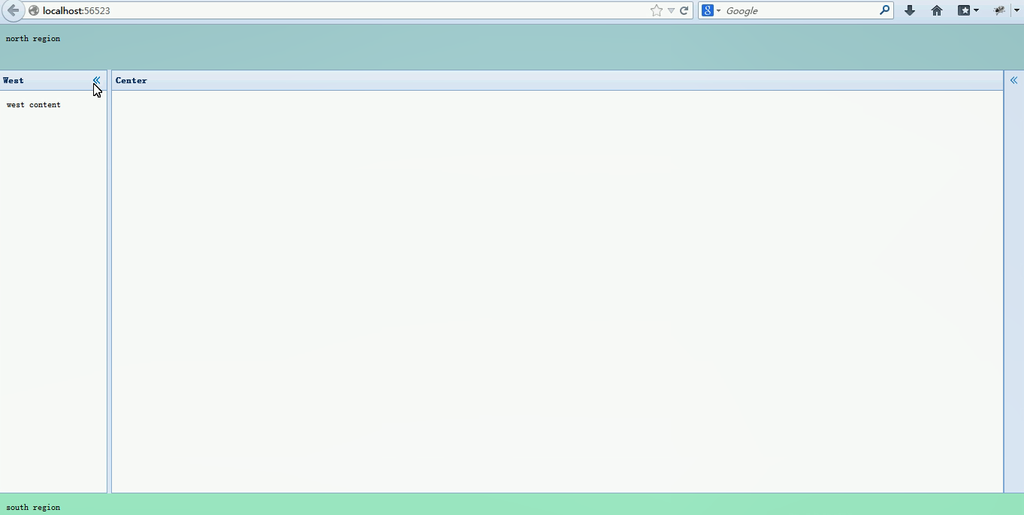
我们这里使用了easyui的布局
运行后的效果如下
Next: Easyui Tree控件的使用