Fox ePub Reader is a lightweight, fast and ad-free EPUB reader. It can quickly open local EPUB files on your device, with built-in table of contents display, previous/next chapter navigation and page zoom functions. No registration or login is required, and it is completely free, clean of any ads.
This app is now available on Microsoft Store for download.
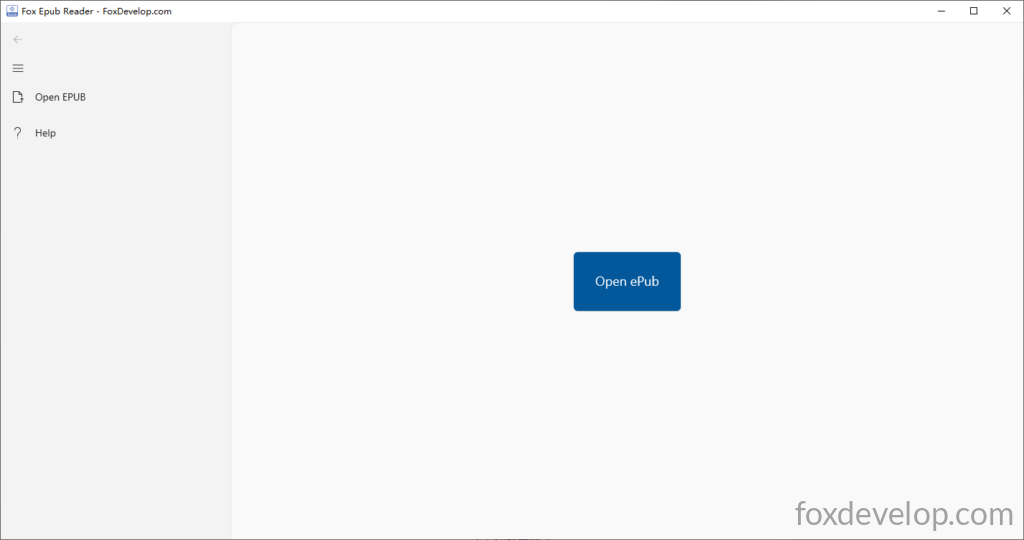
It’s extremely easy to use. You can open EPUB files by clicking the Open Epub menu in the top-left corner. When you launch the app for the first time, there is also a prominent blue Open ePub button in the center of the window for quick file access.
If you’ve already loaded one EPUB and want to open another, simply click the top-left Open Epub menu again.
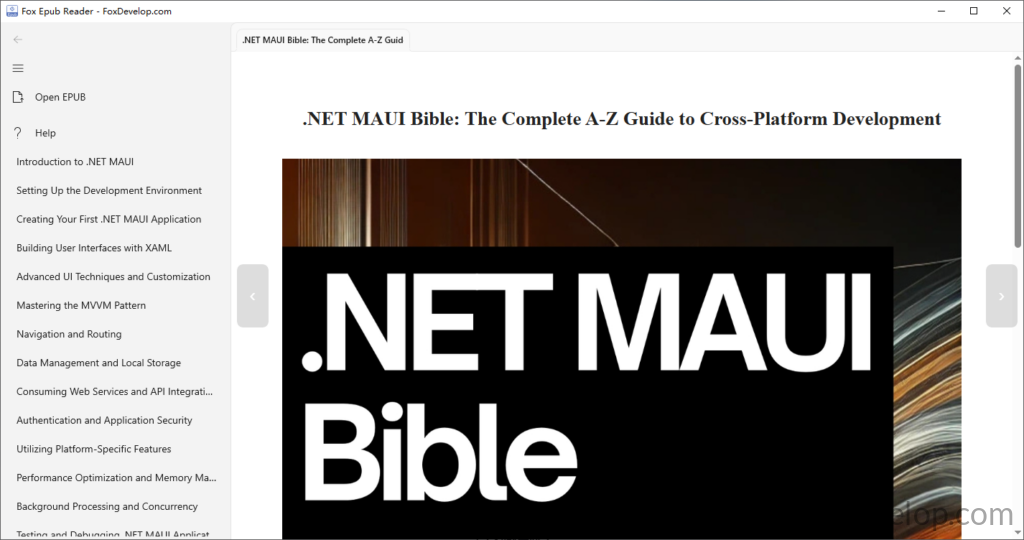
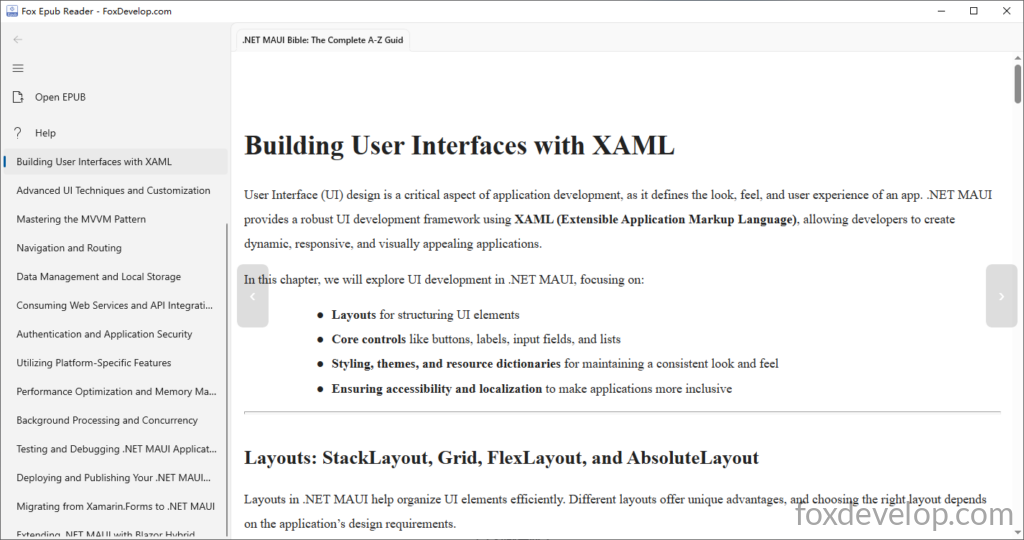
The app loads books in an instant. Once opened, the table of contents will appear at the bottom of the left sidebar, and the book’s table of contents is displayed by default on launch. You can switch between chapters by tapping the arrow buttons on the left and right sides of the reader window.
You can zoom in and out by scrolling your mouse wheel, and right-click anywhere to bring up the print option.
Thank you for your support! If you have any suggestions or issues to report, feel free to leave a message below.