MarkBin Editor
MarkBin is a lightweight WYSIWYG Markdown desktop editor built for daily note-taking, documentation drafting and code snippet management, fully compliant with standard Markdown and GitHub Flavored Markdown specifications.
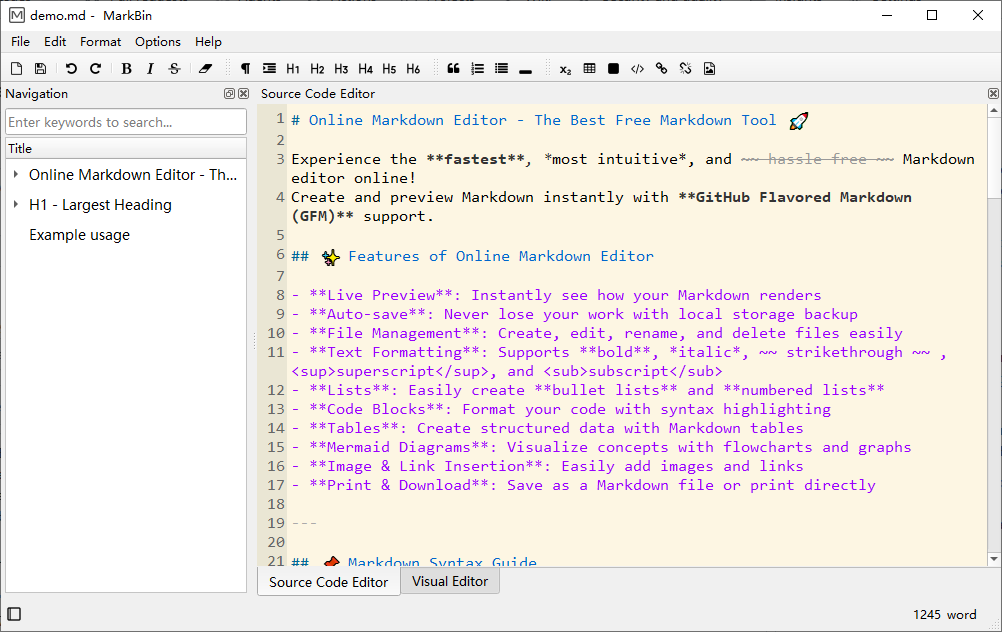
You can freely toggle between raw source editing mode and visual WYSIWYG preview mode at any time with one click. Built-in syntax highlighting renders code blocks in vivid distinct colors for dozens of mainstream programming languages like JavaScript and Python, with line-number display available inside the source pane. It comes with full-featured table tools that let users add, drag, sort rows and columns flexibly, alongside quick insertion for images, hyperlinks and LaTeX math formulas to enrich your documents.
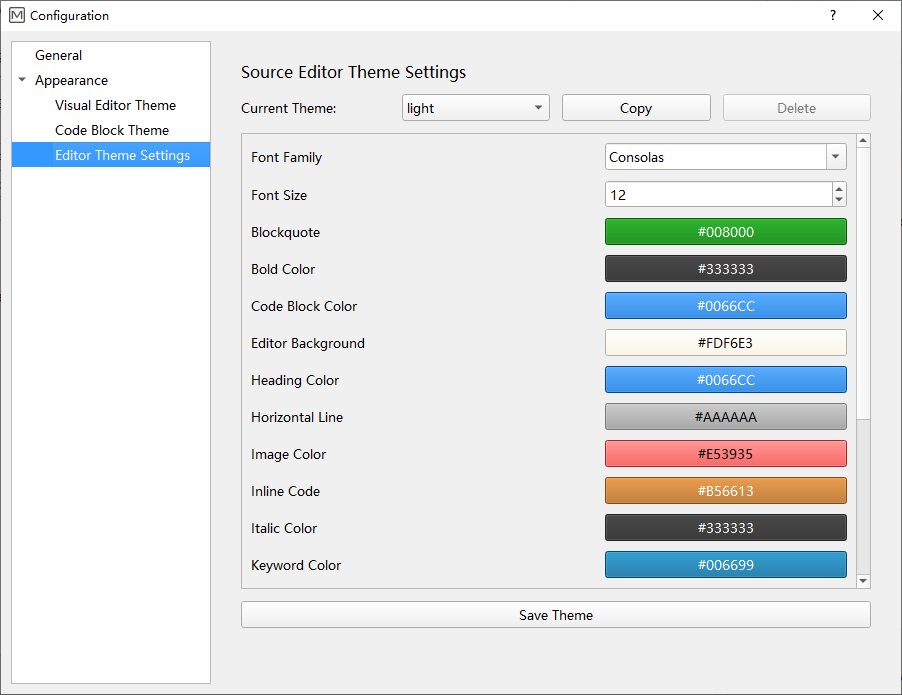
Customization stands out as one of its core perks: users can pick from preset light or dark UI themes, plus independent color schemes for code blocks and source editor styling. You’re allowed to tweak font family, font size and every syntax-related color manually, then save your personalized theme settings locally as JSON files for later reuse. Global multi-language localization covers up to 45 different languages to match users across regions.
To prevent accidental data loss, automatic local backup runs in the background whenever you edit content. The left-hand persistent navigation sidebar automatically generates a clickable table of contents from your document headings, letting you jump between sections instantly while browsing long articles.
Recent updates have fixed long-standing formatting glitches including abnormal table layout overflow and wrong code block parsing triggered by excess leading spaces, alongside critical LaTeX editing defects. The dev team also polished startup speed, source editor interface and HTML export efficiency for formulas, tables and embedded code. Based on user feedback, features like tab indentation and planned table-to-Excel export have been rolled into the roadmap, while non-priority requests such as split dual-pane layout and WeChat sharing are currently shelved to keep the app lean and focused on core editing performance.
MarkBin
A WYSIWYG Markdown editor with dual modes, full Markdown support, rich editing tools, multilingual, custom themes, backup and outline.
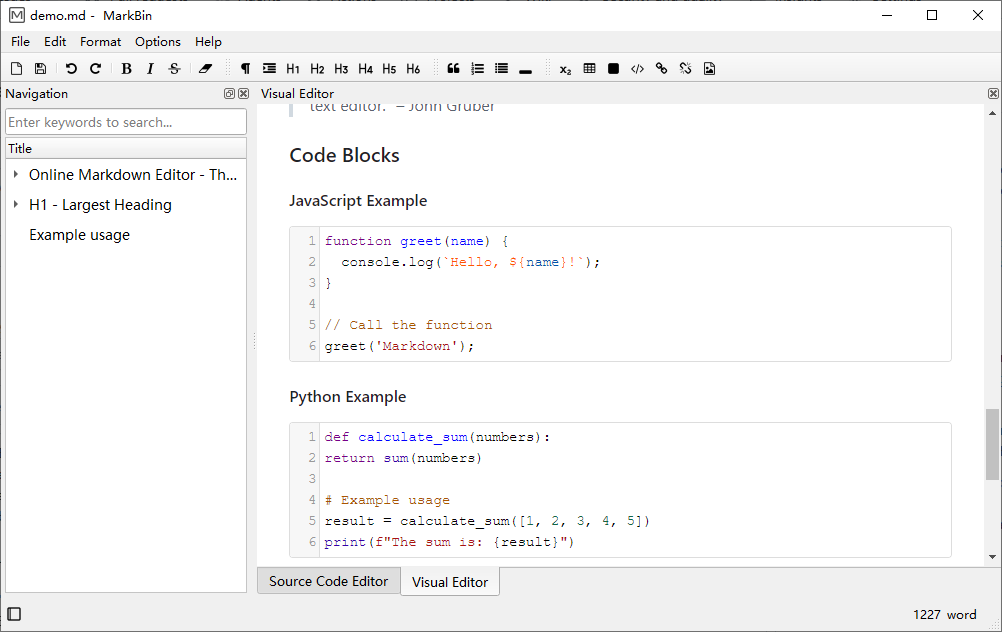
- ✅ WYSIWYG visual editing
- ✅ Syntax code highlighting
- ✅ Flexible table edit & sort
- ✅ 45 languages localization
- ✅ Custom UI & code themes
- ✅ Auto backup & outline navigation
- …….
Download MarkBin
Changelog · Older Versions · License · SHA256 · Multilingual Support · Help
Screenshots