FoxDict is a dictionary tool that opens MDX files, a popular format for electronic dictionaries. After loading your MDX dictionaries, you can look up words with fuzzy search support. It also lets you save vocabulary entries, view your word collection and delete unwanted entries. Featuring a clean set of functions and fast response speeds, this app is available on the Microsoft Store and runs in a secure sandbox environment for safe offline use. No registration is required, making it an ideal study companion.

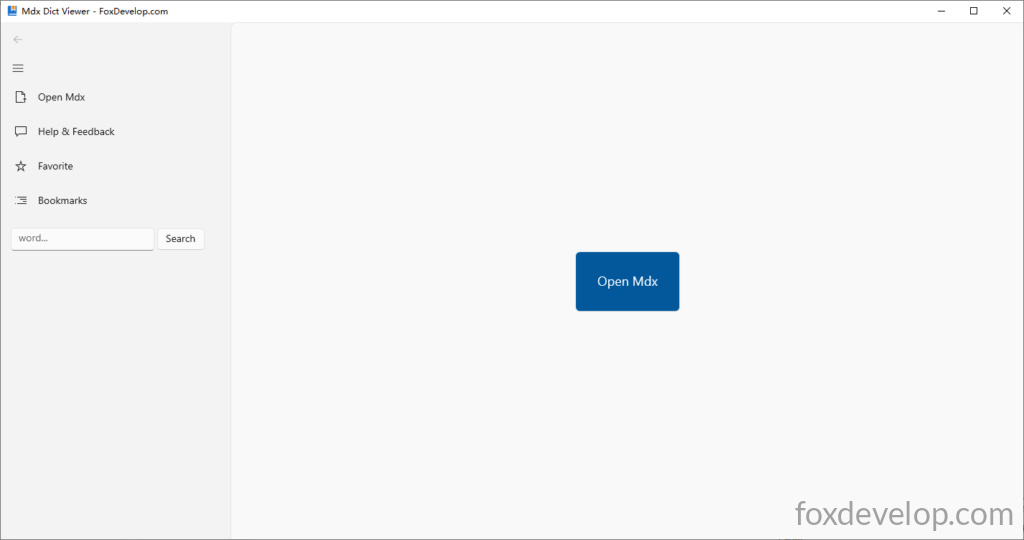
After launching the app, you may open MDX dictionary files either by clicking the Open Mdx menu item in the top-right corner or tapping the large blue button in the center of the window.
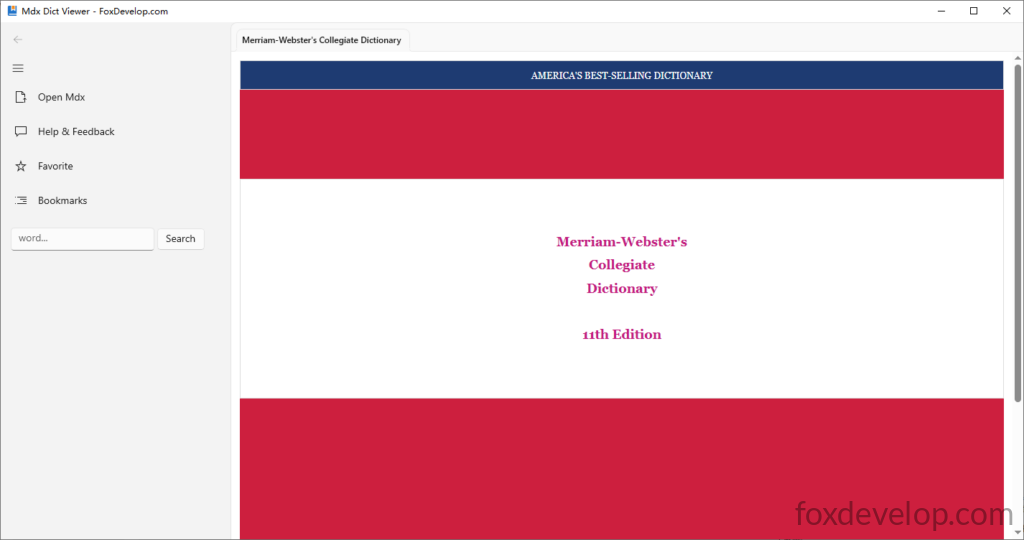
Once a dictionary is loaded, you can view its cover information, title, author and other details. FoxDict is solely a reader tool and does not supply any MDX files. You may download or purchase MDX dictionaries from online sources on your own.
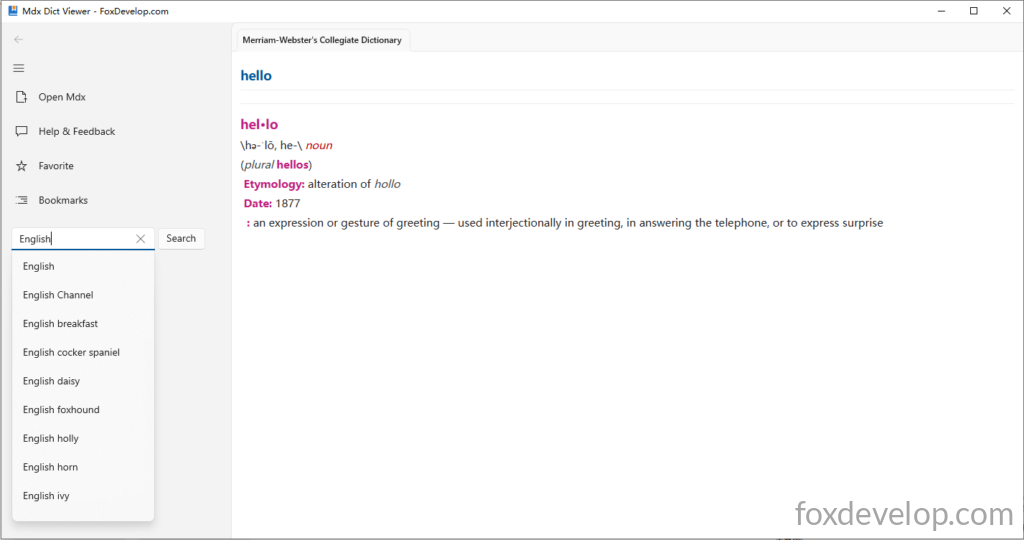
Fuzzy search is supported. A dropdown suggestion list will pop up once you enter more than three characters.
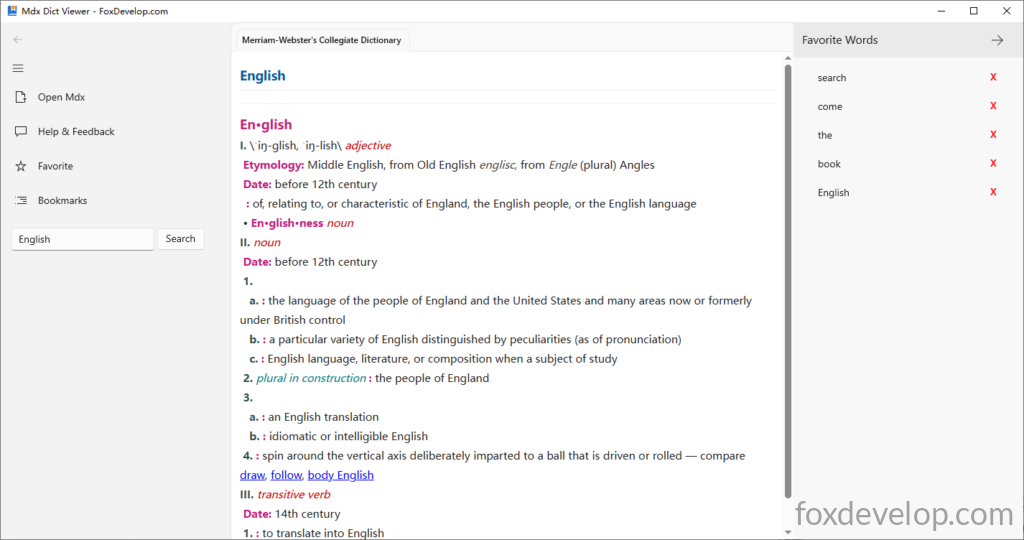
You can bookmark any searched word.
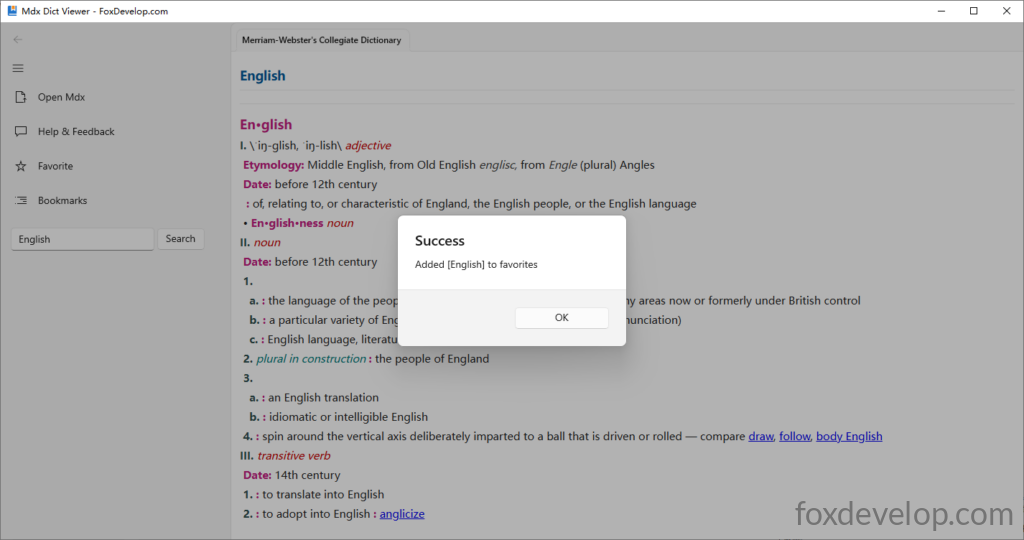
Click the Bookmarks menu item to open a sidebar on the right displaying all your saved words.
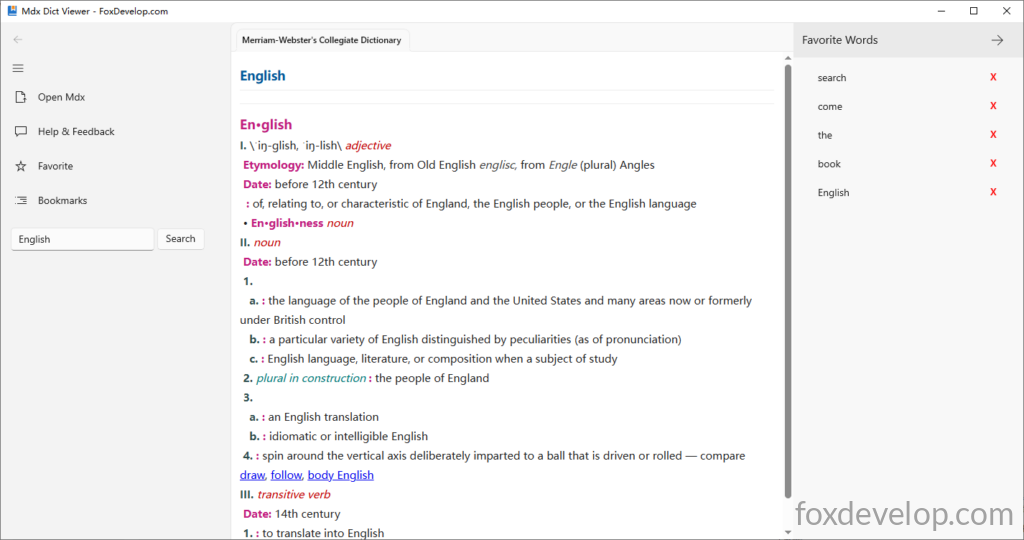
Click the red X on the right side of a vocabulary entry to delete the saved word. Tap the arrow icon at the top-right corner to hide the right sidebar.
This tool has a concise feature set covering all essential functions. Feel free to leave your suggestions below. Thank you!