TimingClick
TimingClick is a scheduled auto-click utility for Windows desktop automation.
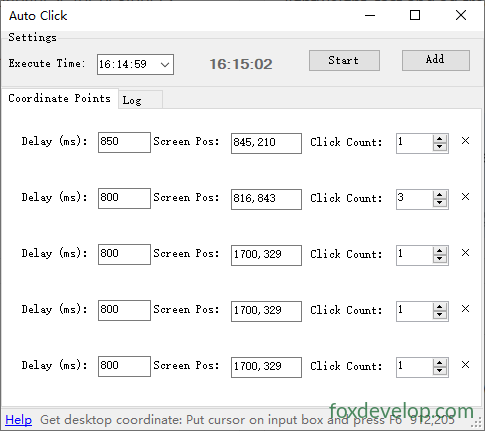
Users first pick a target trigger time to launch the entire click sequence, then add multiple screen coordinate entries via the program’s “Add Coordinate” button. For each saved coordinate point, you may customize two core parameters: the waiting delay (in milliseconds) before every click, and how many consecutive clicks should run at that exact screen position.
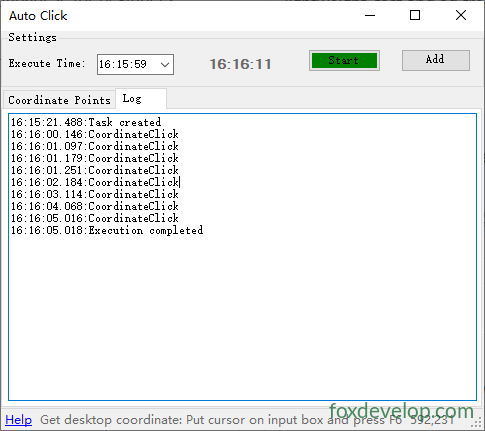
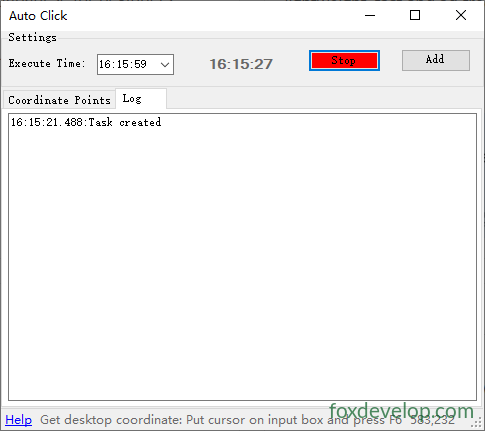
Once the predefined trigger time arrives, the tool automatically controls your mouse cursor to execute clicks sequentially across all configured coordinates. It follows your custom delay rules strictly: the program pauses for the set millisecond interval before triggering clicks at each spot and repeats the click action for your specified number of times. All operational events including task initialization and every individual click are timestamped and logged in the built-in log panel for later review after execution finishes.