Add Navigation
Add Left Side Menu to View Interface
Create a new WinUI C++ project
Open MainWindow.xaml
Replace the inner Grid section with a NavigationView as shown below (do not replace the entire file)
<NavigationView x:Name="NavView" PaneDisplayMode="Left">

   <NavigationView.MenuItems>
       <NavigationViewItem Content="Dashboard" Tag="DashboardPage"
Icon="Account"/>
       <NavigationViewItem Content="Account" Tag="AnalyticsPage"
Icon="Add"/>
   </NavigationView.MenuItems>

   <Frame x:Name="MainFrame"/>

</NavigationView>Code language: HTML, XML (xml)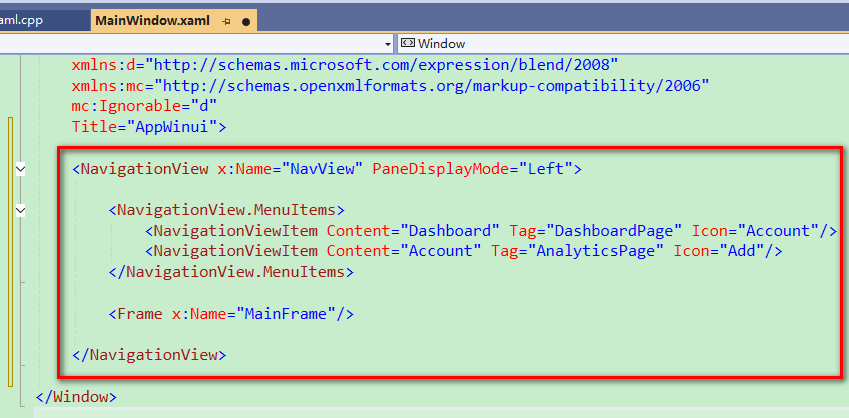
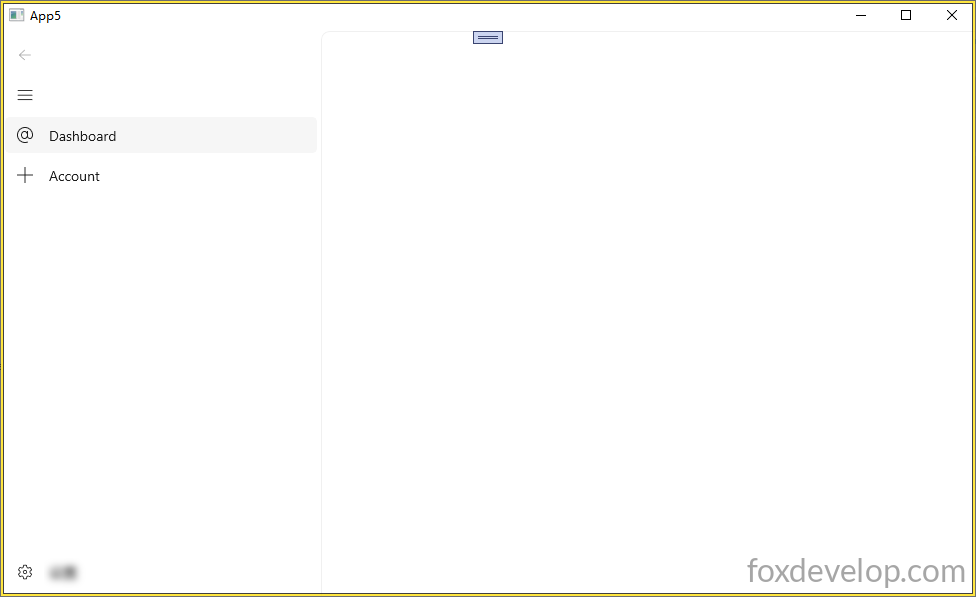
The interface after running the app is shown below
Add a Blank Page
Create a Blank Page
Right-click your project name → Add New Item
Navigate to Visual C++ → WinUI → BlankPage.xaml blank page template
Modify the Grid section inside BlankPage.xaml as follows. We add a TextBlock with distinct text on each page to differentiate them visually.
Page and Window are different control types
    <Grid>
        <TextBlock Text="This is a blank page."
HorizontalAlignment="Center"
VerticalAlignment="Center" FontSize="24"/>
    </Grid>Code language: C++ (cpp)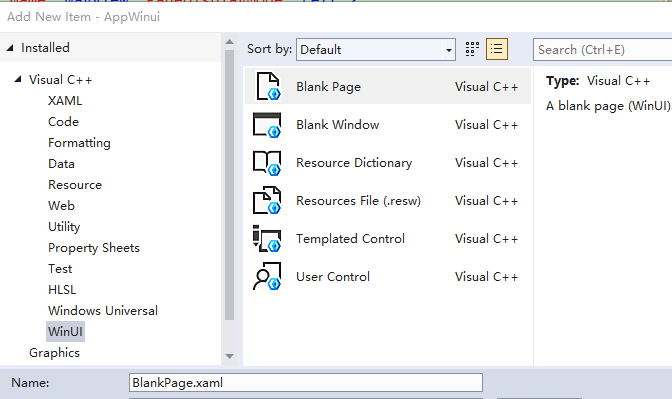
Navigation Bar & Page Loading Logic
Set Default Blank Page for Main Window
Configure the Frame control in the main window to load the blank page we created by default
The Frame control works similar to an iframe in HTML: it acts as a dedicated container region to load and render separate page content.
Open MainWindow.xaml.h
Remove the constructor implementation code inside the header file, leaving only the function declaration.
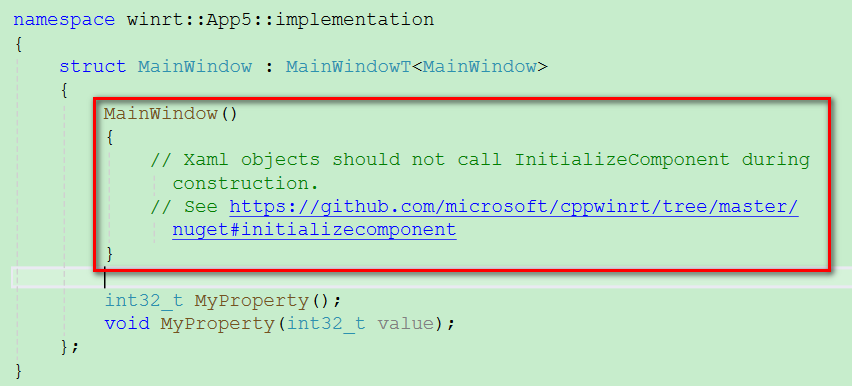
It should be simplified to: MainWindow();
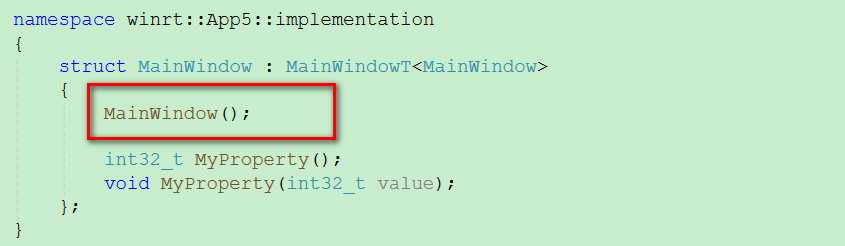
Implement the constructor logic within the corresponding .cpp file.
#include "pch.h"
#include "MainWindow.xaml.h"
#if __has_include("MainWindow.g.cpp")
#include "MainWindow.g.cpp"
#endif

using namespace winrt;
using namespace Microsoft::UI::Xaml;

#include "BlankPage.xaml.h"
#include <winrt/Windows.UI.Xaml.Interop.h>

// To learn more about WinUI, the WinUI project structure,
// and more about our project templates, see: http://aka.ms/winui-project-info.

namespace winrt::App5::implementation
{
    // Constructor implementation is placed in the cpp file to safely initialize UI and perform page navigation
    MainWindow::MainWindow()
    {
        InitializeComponent();
        // Make the Frame load and display BlankPage
        MainFrame().Navigate(xaml_typename<App5::BlankPage>());
    }

    int32_t MainWindow::MyProperty()
    {
        throw hresult_not_implemented();
    }

    void MainWindow::MyProperty(int32_t /* value */)
    {
        throw hresult_not_implemented();
    }


}
Code language: PHP (php)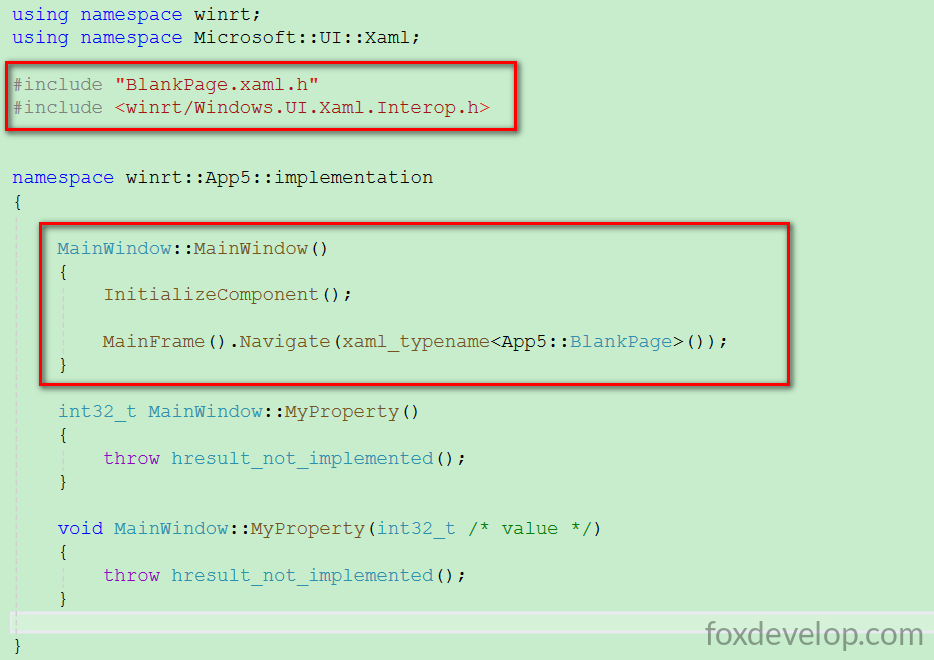
The xaml_typename helper function requires the following header import
#include <winrt/Windows.UI.Xaml.Interop.h>Code language: HTML, XML (xml)The line MainFrame().Navigate(xaml_typename()) handles navigation to the BlankPage. When the main window launches, the MainFrame container on the right will render this blank page.
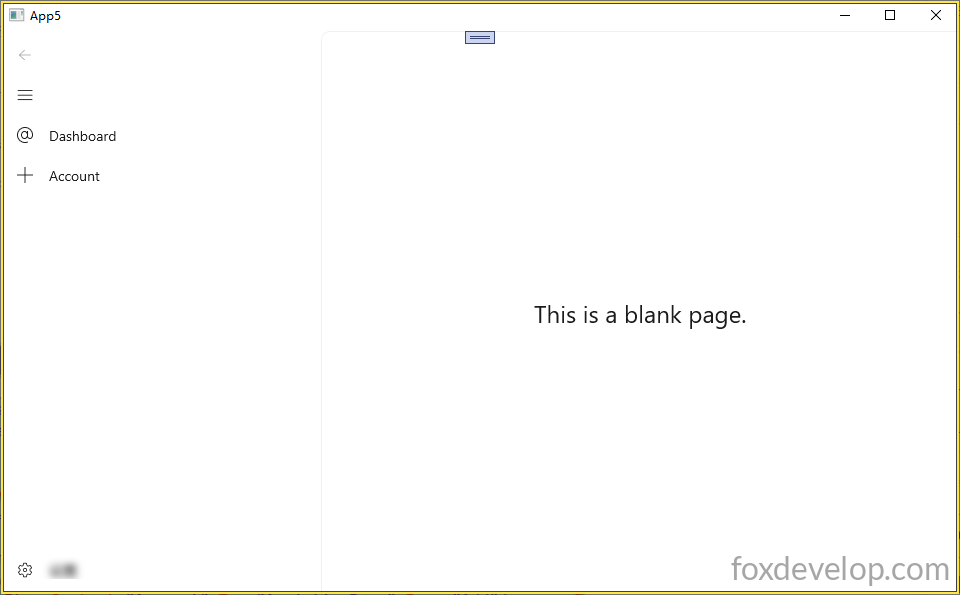
Left sidebar menu and main window page loading setup complete