Preface
A programming language is essentially just a set of specifications, much like laws which are merely a collection of grammatical rules. The true core lies in a compiler that converts code written following these syntax rules into instructions readable by computers. This logic applies to all other programming languages as well. The compiler is the heart of any language. If you intend to develop your own programming language, you will not only need to define its syntax, but also build a compiler to translate the language into machine code. Without a compiler, your language is nothing more than plain text. To draw a parallel with laws: legal provisions are just written regulations, and they hold no weight without law enforcement agencies to enforce them. In the following sections, we will install the Free Pascal compiler and learn Free Pascal syntax.
Install the Compiler
This is the official website: Free Pascal – Advanced open source Pascal compiler for Pascal and Object Pascal – Home Page. You can visit it to download the compiler.
You may also jump directly to the download page: Free Pascal – Select download mirror
I am running Windows 10 64-bit, so I will install the 64-bit Windows release.
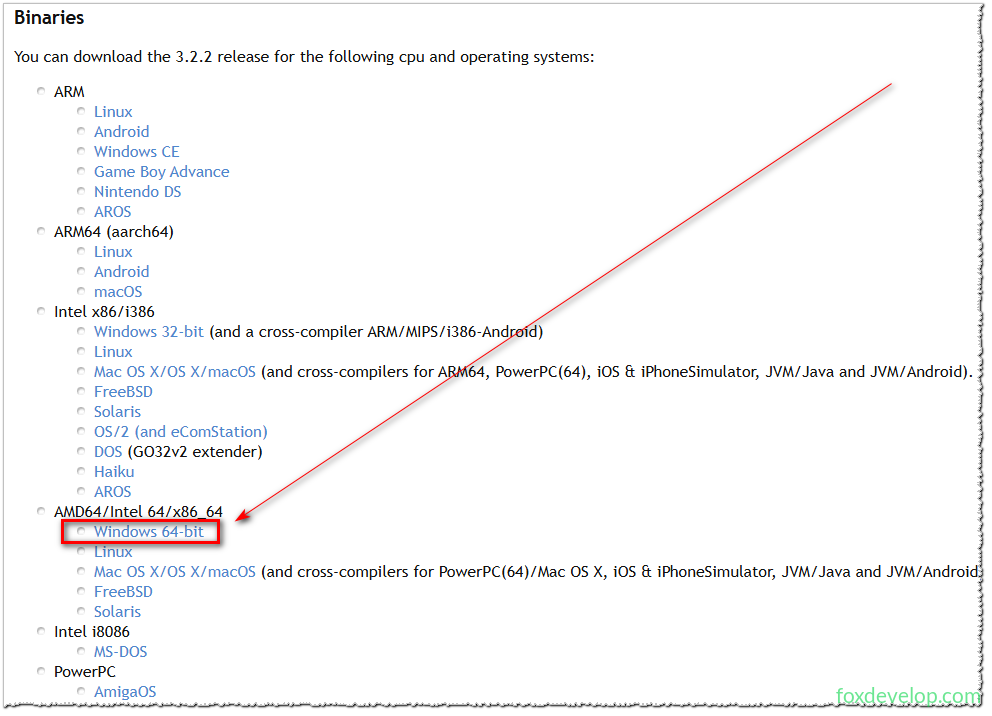
Free Pascal Compiler – Browse /Win32/3.2.2 at SourceForge.net
The installer I downloaded is fpc-3.2.2.i386-win32.exe. Simply double-click the file to launch the installation wizard.
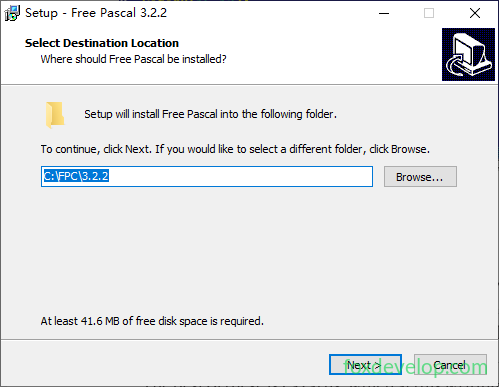
Keep clicking the Next button to proceed through all installation steps.

Once installation completes, a corresponding application entry will appear in the Start Menu. We will use it later to compile our Free Pascal source code.