优酷嵌入地址:
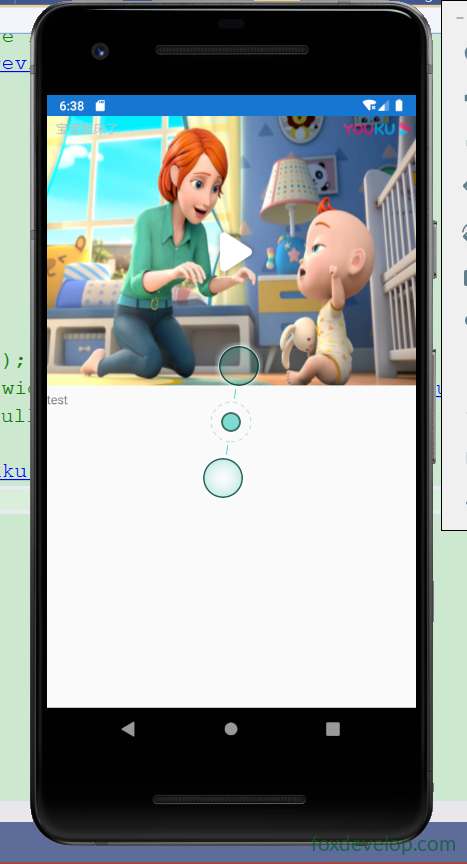
https://player.youku.com/embed/XNDMxNjY5MjY0NA==原理:优酷提供embed嵌入式iframe页面,直接交给Xamarin.Forms的WebView控件加载,不用原生视频播放器。
MainPage.xaml
<?xml version="1.0" encoding="utf-8" ?>
<ContentPage xmlns="http://xamarin.com/schemas/2014/forms"
             xmlns:x="http://schemas.microsoft.com/winfx/2009/xaml"
             x:Class="App1.MainPage">
    <Grid>
        <Grid.RowDefinitions>
            <RowDefinition Height="300" />
            <RowDefinition Height="*" />
        </Grid.RowDefinitions>

        <!-- WebView用于加载优酷embed嵌入页面 -->
        <WebView x:Name="webView" Grid.Row="0" />
        <Label Text="test" Grid.Row="1" />
    </Grid>
</ContentPage>
Code language: HTML, XML (xml)
MainPage.xaml.cs 两种写法
方式1:直接加载embed网页地址(示例代码启用的方式)
using Xamarin.Forms;

namespace App1
{
    public partial class MainPage : ContentPage
    {
        public MainPage()
        {
            InitializeComponent();
            // 直接把优酷embed链接赋值给Source
            webView.Source = "https://player.youku.com/embed/XNDMxNjY5MjY0NA==";
        }
    }
}
Code language: PHP (php)
方式2:HtmlWebViewSource 内嵌iframe(注释掉的备选方案)
把iframe写在本地HTML字符串,WebView渲染HTML:
var htmlSource = new HtmlWebViewSource();
htmlSource.Html = @"
<html>
<body style='margin:0;padding:0'>
<iframe height='100%' width='100%'
src='https://player.youku.com/embed/XNDMxNjY5MjY0NA=='
frameborder='0' allowfullscreen>
</iframe>
</body>
</html>";
webView.Source = htmlSource;
Code language: HTML, XML (xml)
注意
- Android权限
AndroidManifest.xml需要开启网络权限:
<uses-permission android:name="android.permission.INTERNET" />
Code language: HTML, XML (xml)
Android9+ 如果遇到网页加载异常,可配置明文流量,embed是https一般不需要。
- 优酷embed限制
- 部分优酷视频做防盗链、域名限制:直接手机WebView打开会提示:
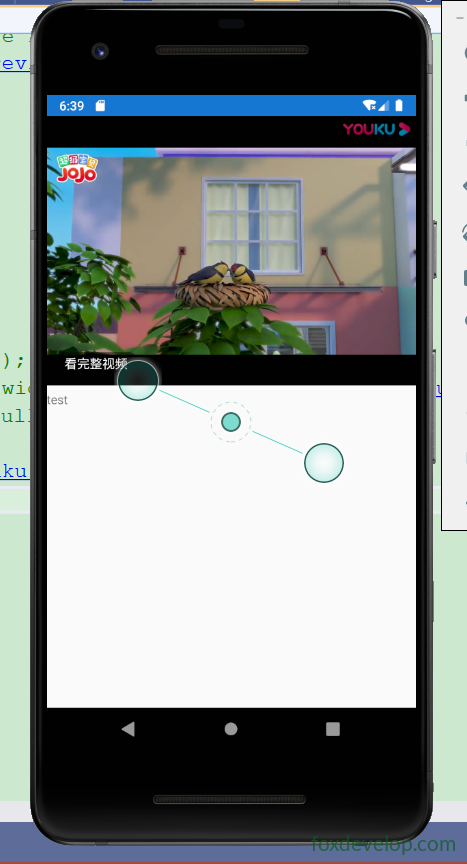
该视频已被加密,请输入密码/本页面仅支持试看50分钟,更多内容尽在优酷App。✅现象就是你抓取到的页面提示,不是代码bug,是优酷服务器的限制,非优酷官方网页环境只能试看,不能完整播放。 👉解决方案:- 只能跳转外部优酷App打开视频;
- 购买优酷开放平台SDK,使用官方SDK播放,不直接用webview加载embed。
- WebView 硬件加速(Android) 部分Android设备视频黑屏,在Android项目的
AndroidManifest的application标签添加:
android:hardwareAccelerated="true"
Code language: JavaScript (javascript)- iOS Info.plist 默认允许https,embed地址是https,一般无需额外配置。
Previous: Xamarin.Forms Web服务