All activities must be registered in AndroidManifest.xml to take effect
Open it up and you’ll see
<activity android:name=".FirstActivity"></activity>Code language: HTML, XML (xml)So our activity is actually already registered, but it’s not set as the main activity yet. We need to add an <intent-filter> tag inside the <activity> element.
And add the following:
<activity android:name=".FirstActivity" android:label="Home">
    <intent-filter>
        <action android:name="android.intent.action.MAIN"></action>
        <category android:name="android.intent.category.LAUNCHER"></category>
    </intent-filter>
</activity>Code language: HTML, XML (xml)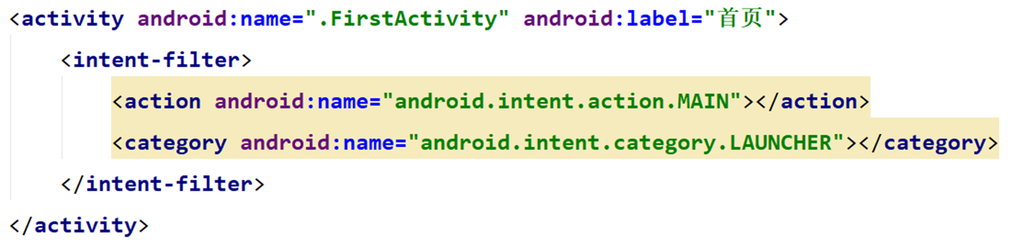
If an app doesn’t have a main activity, it can still be installed just fine — it just won’t show up in the launcher. Usually, such apps work as third-party services for internal calls.
Now let’s run the program.
Layouts don’t need to be registered. You simply point to the layout view inside the activity using setContentView(R.layout.second_layout);
However, you do need to specify which activity is the main one.
Registering activities