Using the Toast Notification Control
Toast is a handy notification feature provided by the Android system.
In your app, you can use it to show quick, short messages to the user.
It disappears automatically after a short while and doesn’t take up any screen space.
Inside the activity’s onCreate method, we grab the button using its ID.
Then, we attach an on-click listener to that button.
[English Code]
protected void onCreate(Bundle savedInstanceState) {
    super.onCreate(savedInstanceState);
    setContentView(R.layout.second_layout);
    Button b = (Button)findViewById(R.id.button); // Returns a View object, cast to Button. Requires importing android.widget.Button
    // Register the listener — when the button is clicked, the onClick method inside runs
    b.setOnClickListener(new View.OnClickListener() {
        @Override
        public void onClick(View view) {
            // Call the static makeText method: 3 params — context, text, duration
            Toast.makeText(FirstActivity.this, "Welcome to FoxDevelop", Toast.LENGTH_SHORT).show();
        }
    });
}
Code language: JavaScript (javascript)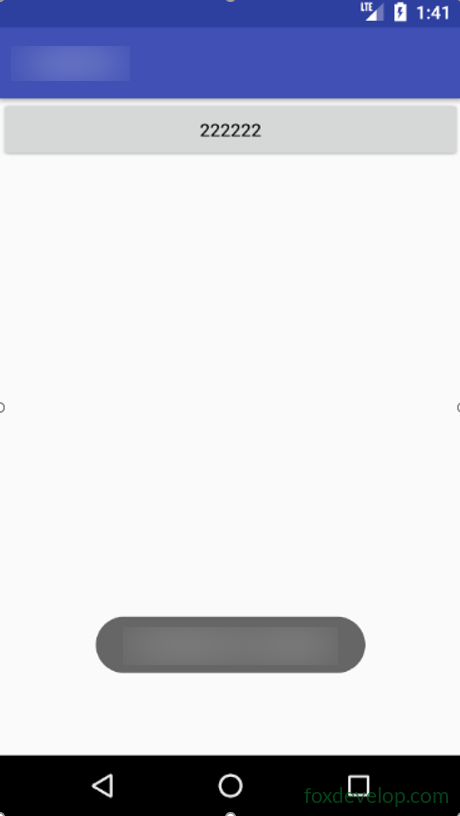
Toast