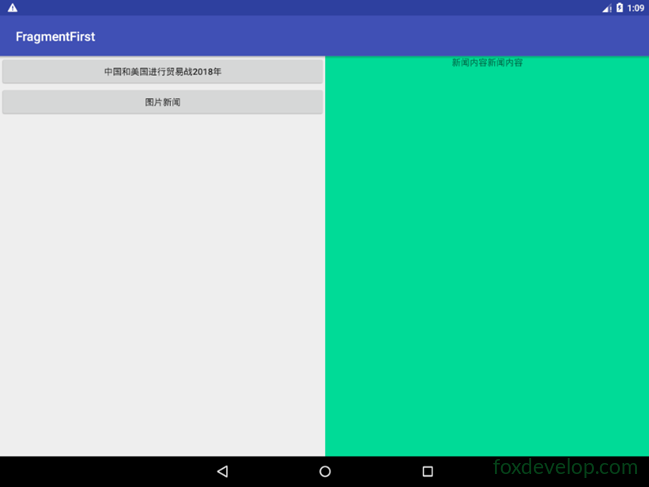
平板通常使用雙頁模式
手機一般使用單頁模式。
但我們要怎麼讓一個應用程式自動適應不同的螢幕呢?
其實要在 Android 上實現這個功能非常簡單。
就像我們的圖片、圖示等資源一樣,系統已經為它們加入了自動適配的功能。
對於高解析度的螢幕,會使用帶有 xhdpi 後綴的資料夾。
我們的佈局也是同樣的道理。
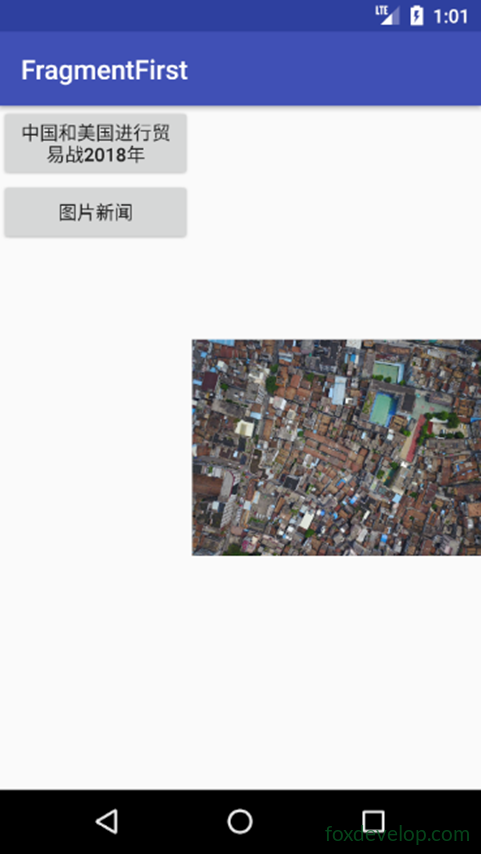
在手機上檢視雙頁模式
新增一個資料夾
在 res 中加入一個 layout-large 目錄
表示這是大螢幕下要使用的佈局
然後複製一份 activity_main.xml
將其修改為 layout 資料夾下的 activity_main.xml
<![CDATA[<?xml version="1.0" encoding="utf-8"?>
<LinearLayout xmlns:android="http://schemas.android.com/apk/res/android"
    android:orientation="horizontal" android:layout_width="match_parent"
    android:layout_height="match_parent">
    <fragment
        android:id="@+id/newlist_fragment"
        android:layout_width="match_parent"
        android:layout_height="match_parent"
        android:name="com.foxdevelop.www.fragmentfirst.NewListFragment"
        />
</LinearLayout>]]>Code language: JavaScript (javascript)
修改 layout-large/activity_main.xml
移除框架佈局,改用碎片(fragment)標籤
<![CDATA[<?xml version="1.0" encoding="utf-8"?>
<LinearLayout xmlns:android="http://schemas.android.com/apk/res/android"
    android:orientation="horizontal" android:layout_width="match_parent"
    android:layout_height="match_parent">
    <fragment
        android:id="@+id/newlist_fragment"
        android:layout_width="0dp"
        android:layout_height="match_parent"
        android:layout_weight="2"
        android:name="com.foxdevelop.www.fragmentfirst.NewListFragment"
        />

    <fragment
        android:id="@+id/newlist_fragment2"
        android:layout_width="0dp"
        android:layout_height="match_parent"
        android:layout_weight="2"
        android:name="com.foxdevelop.www.fragmentfirst.NewDetailFragment"
        />
</LinearLayout>]]>Code language: JavaScript (javascript)
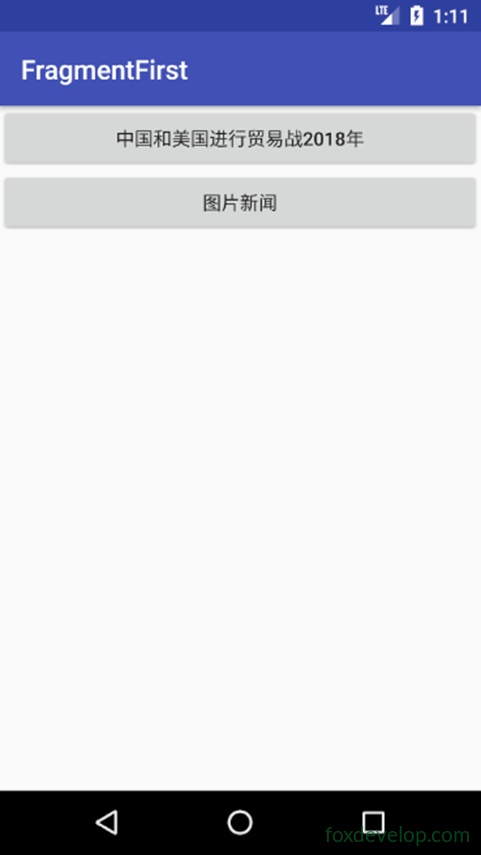
在手機模擬器上
在平板模擬器上
解析度與限定符參考表
手機與平板自動選擇檢視畫面
Previous: 碎片 Fragment