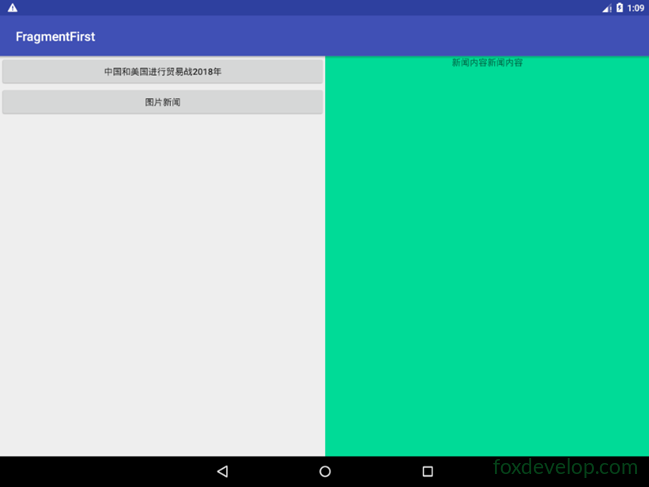
平板一般使用双页模式
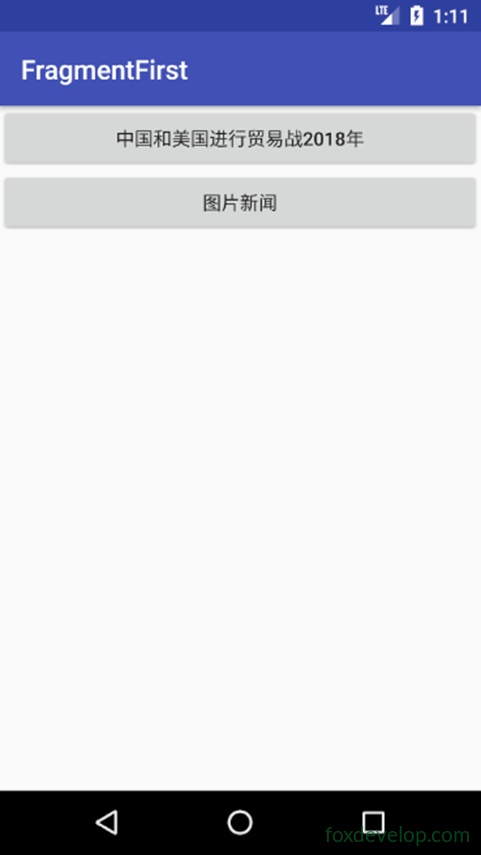
手机一般使用单页模式。
但是我们怎么才能做到一个应用 自动使用不同的屏幕呢?
其实要想实现这个 在android中很简单
就好比我们的图片 图标等资源 我们的系统 为他们添加了自动适应的功能。
对于高分辨率的屏幕 使用 xhdpi后缀的文件夹
那么我们的布局也是一样。
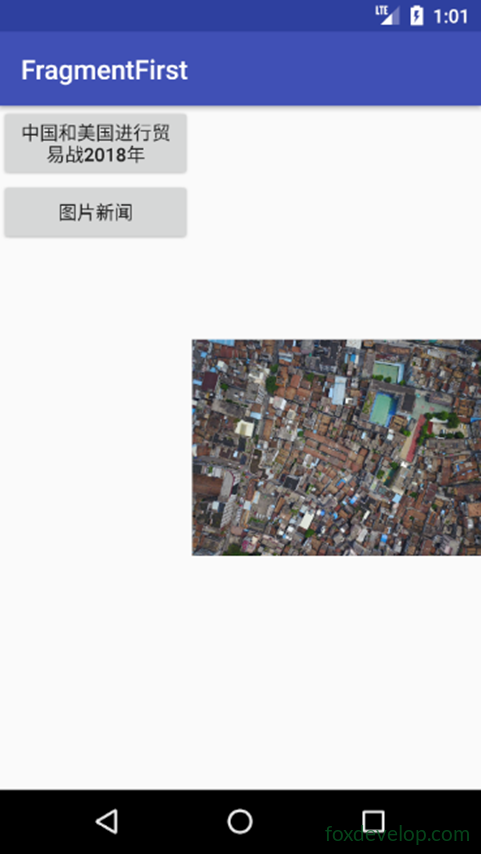
在手机下面看双页模式
添加一个文件夹
res中添加一个 layout-large目录
表示大屏幕下面使用的布局
然后复制一份activity_main.xml
然后修改为layout下面的activity_main.xml
<?xml version="1.0" encoding="utf-8"?>
<LinearLayout xmlns:android="http://schemas.android.com/apk/res/android"
    android:orientation="horizontal" android:layout_width="match_parent"
    android:layout_height="match_parent">
    <fragment
        android:id="@+id/newlist_fragment"
        android:layout_width="match_parent"
        android:layout_height="match_parent"
        android:name="com.foxdevelop.www.fragmentfirst.NewListFragment"
        />
</LinearLayout>Code language: HTML, XML (xml)
修改layout-large/activity_main.xml
去掉帧布局 改为碎片标签
<?xml version="1.0" encoding="utf-8"?>
<LinearLayout xmlns:android="http://schemas.android.com/apk/res/android"
    android:orientation="horizontal" android:layout_width="match_parent"
    android:layout_height="match_parent">
    <fragment
        android:id="@+id/newlist_fragment"
        android:layout_width="0dp"
        android:layout_height="match_parent"
        android:layout_weight="2"
        android:name="com.foxdevelop.www.fragmentfirst.NewListFragment"
        />

    <fragment
        android:id="@+id/newlist_fragment2"
        android:layout_width="0dp"
        android:layout_height="match_parent"
        android:layout_weight="2"
        android:name="com.foxdevelop.www.fragmentfirst.NewDetailFragment"
        />
</LinearLayout>Code language: HTML, XML (xml)
手机模拟器下面
平板模拟器下面
分辨率和限定符的参考表
Previous: 碎片Fragment
Next: 实践课程