In our last lesson, we set up a default app with NativePHP and pulled it up in a browser. The default local address is: http://127.0.0.1:8000/
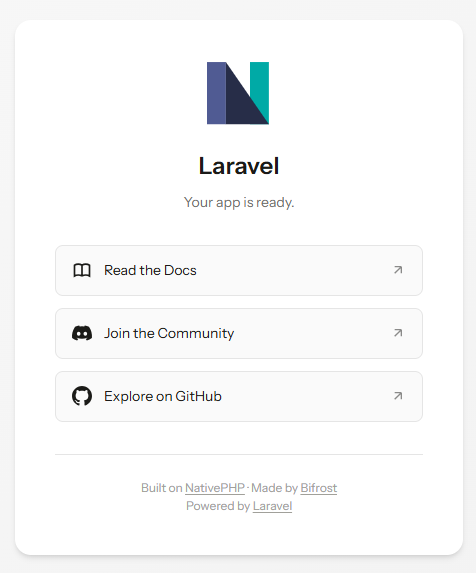
At its core, this is just a regular web page, and that’s totally fine. NativePHP renders its UI using standard HTML, CSS and JavaScript. So how do we go about customising this interface?
All the files responsible for rendering the UI live inside the resources folder in your project root directory
Here’s the file path I’m working with for this demo:
Once you open this folder, you’ll see the subdirectories laid out like this:
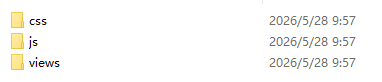
The css folder holds your stylesheets, the js folder stores all your script files, and the views directory contains your PHP page templates. Head into views and you’ll spot these files:

Open up the welcome.blade.php template file,
and you’ll see a section of code that looks like this
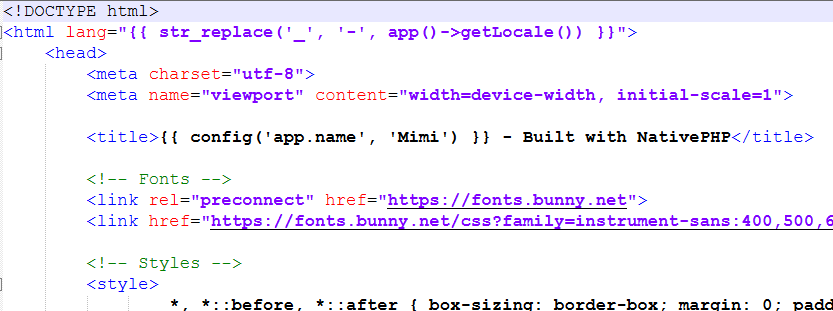
Looks familiar, right? This is the raw PHP markup powering your page. Let’s make a small edit to test it out
Locate the subtitle element shown below:
<p class="subtitle">Your app is ready.</p>Code language: HTML, XML (xml)Add an extra line of text at the end:
<p class="subtitle">Your app is ready.welcome to foxdevelop.com</p>Code language: HTML, XML (xml)Save your changes, then refresh the page at http://127.0.0.1:8000/
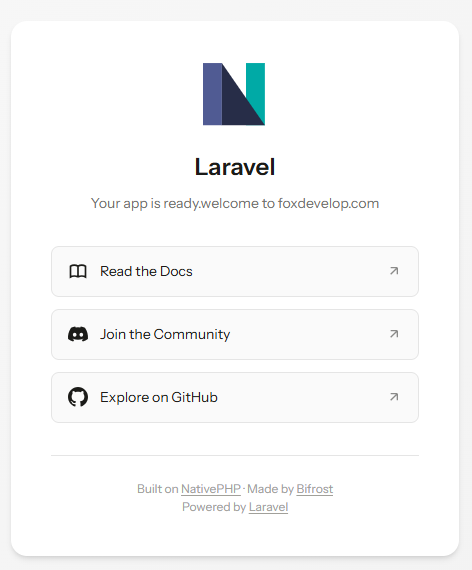
You’ll immediately see the subtitle on your interface updated with the new text we added. Feel free to experiment with edits on your own. NativePHP works seamlessly with every mainstream frontend stack — there’s no hard lock-in to any single tool or framework. You can use Livewire, Vue, React, Svelte, HTMX, or even plain jQuery if you’d like.
For this lesson, your task is to navigate to the resources directory and try tweaking the template files yourself to get a feel for how NativePHP’s frontend layer operates. In later tutorials, we’ll expand on this base UI and dive deeper into all its functionality.