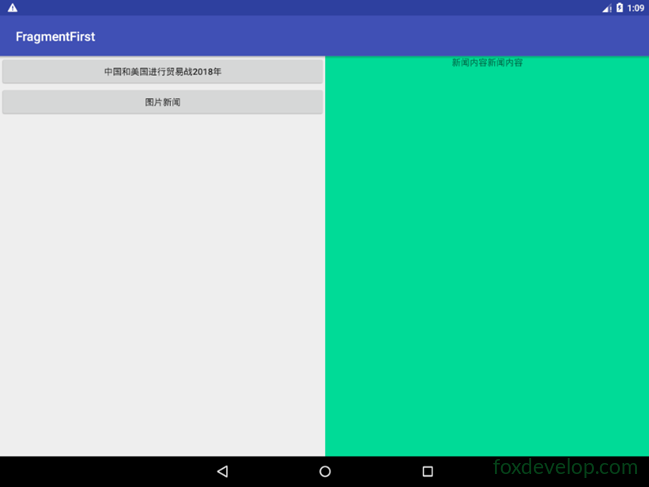
태블릿은 일반적으로 듀얼 페인 모드 사용
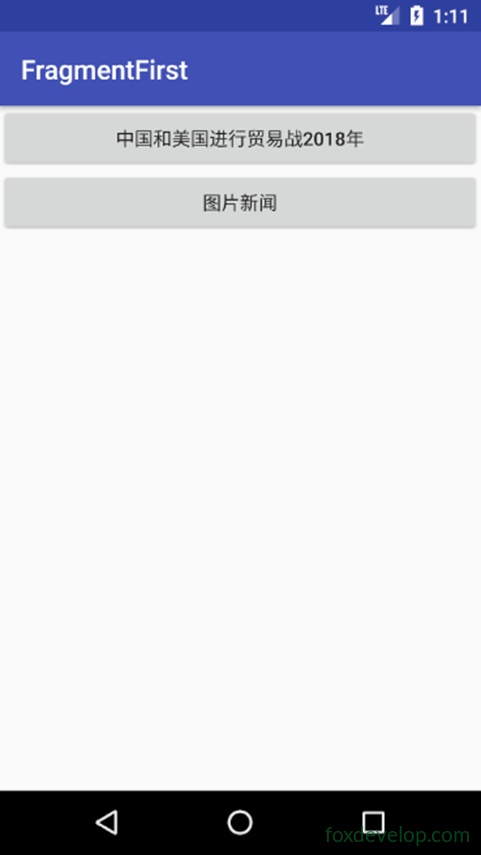
스마트폰은 일반적으로 싱글 페인 모드를 사용합니다.
하지만 하나의 앱이 다양한 화면에 맞춰 자동으로 적용되려면 어떻게 해야 할까요?
사실 Android에서 이를 구현하는 것은 매우 간단합니다.
이미지나 아이콘 같은 리소스처럼, 시스템은 이를 자동으로 적응시켜 주는 기능을 제공합니다.
고해상도 화면의 경우 xhdpi 접미사가 붙은 폴더를 사용합니다.
레이아웃도 마찬가지입니다.
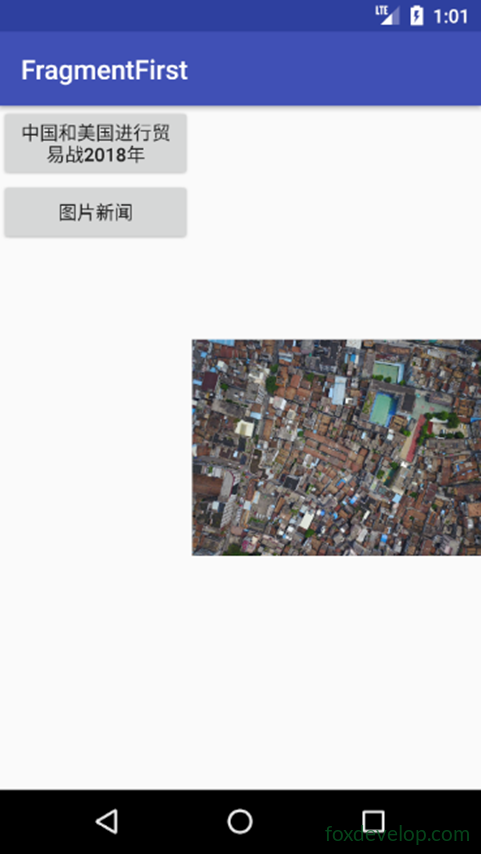
스마트폰에서 듀얼 페인 모드 보기
폴더 추가
res에 layout-large 디렉토리 추가
큰 화면에서 사용할 레이아웃을 나타냅니다
그다음 activity_main.xml을 복사합니다
그리고 layout 폴더 아래의 activity_main.xml을 수정합니다
<![CDATA[<?xml version="1.0" encoding="utf-8"?>
<LinearLayout xmlns:android="http://schemas.android.com/apk/res/android"
    android:orientation="horizontal" android:layout_width="match_parent"
    android:layout_height="match_parent">
    <fragment
        android:id="@+id/newlist_fragment"
        android:layout_width="match_parent"
        android:layout_height="match_parent"
        android:name="com.foxdevelop.www.fragmentfirst.NewListFragment"
        />
</LinearLayout>]]>Code language: JavaScript (javascript)
layout-large/activity_main.xml 수정
프레임 레이아웃을 제거하고 프래그먼트 태그로 변경합니다
<![CDATA[<?xml version="1.0" encoding="utf-8"?>
<LinearLayout xmlns:android="http://schemas.android.com/apk/res/android"
    android:orientation="horizontal" android:layout_width="match_parent"
    android:layout_height="match_parent">
    <fragment
        android:id="@+id/newlist_fragment"
        android:layout_width="0dp"
        android:layout_height="match_parent"
        android:layout_weight="2"
        android:name="com.foxdevelop.www.fragmentfirst.NewListFragment"
        />

    <fragment
        android:id="@+id/newlist_fragment2"
        android:layout_width="0dp"
        android:layout_height="match_parent"
        android:layout_weight="2"
        android:name="com.foxdevelop.www.fragmentfirst.NewDetailFragment"
        />
</LinearLayout>]]>Code language: JavaScript (javascript)
스마트폰 에뮬레이터에서
태블릿 에뮬레이터에서
해상도 및 한정자 참조 표
스마트폰과 태블릿에서 뷰 자동 선택
Previous: Fragment