WinUI 3 C++ Controls – Basic Text Controls
In this lesson, we will start learning controls for WinUI 3 C++. WinUI C++ comes with an extensive library of built-in controls, and we will begin with fundamental text input …
Independent Software Developer Studio
WinUI 3 with C++ is Microsoft’s native high-performance XAML UI framework for building modern standalone Windows desktop applications using standard C++17.
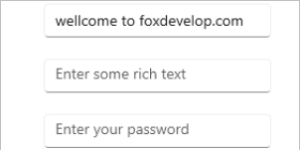
In this lesson, we will start learning controls for WinUI 3 C++. WinUI C++ comes with an extensive library of built-in controls, and we will begin with fundamental text input …
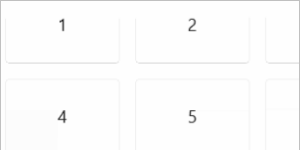
Developers with prior WPF experience will be familiar with the Grid control; its behavior in WinUI is largely identical to WPF. In this lesson, we will create a 3×3 numeric …
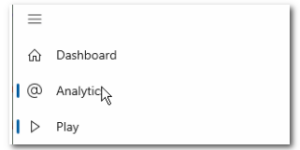
In the previous lesson, we finished implementing the left sidebar with a Frame control inside. When the main window launches, this Frame loads a default blank page automatically. However, clicking …

The interface after running the app is shown below
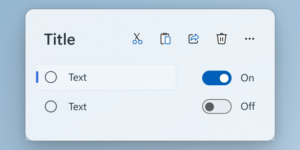
In the previous lesson, we added a button in XAML and generated an event. Our first implementation was changing the button’s text upon clicking the button. First go back to …
After readers upgrade VS 2022 to version 17.9.1 or newer, newly created WinUI 3 C++ projects come with a default sample containing a button. Clicking the button triggers backend logic …
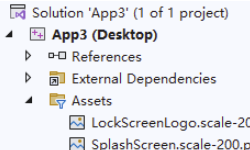
In the last lesson, we finished setting up WinUI C++ and created our first working app. Today, we’ll break down every part of this starter WinUI C++ project step by step.

This tutorial uses Visual Studio 2022 for development. You can also use the latest Visual Studio 2026 if you have access to it. We’re using the Community edition, which can be downloaded from the link below: